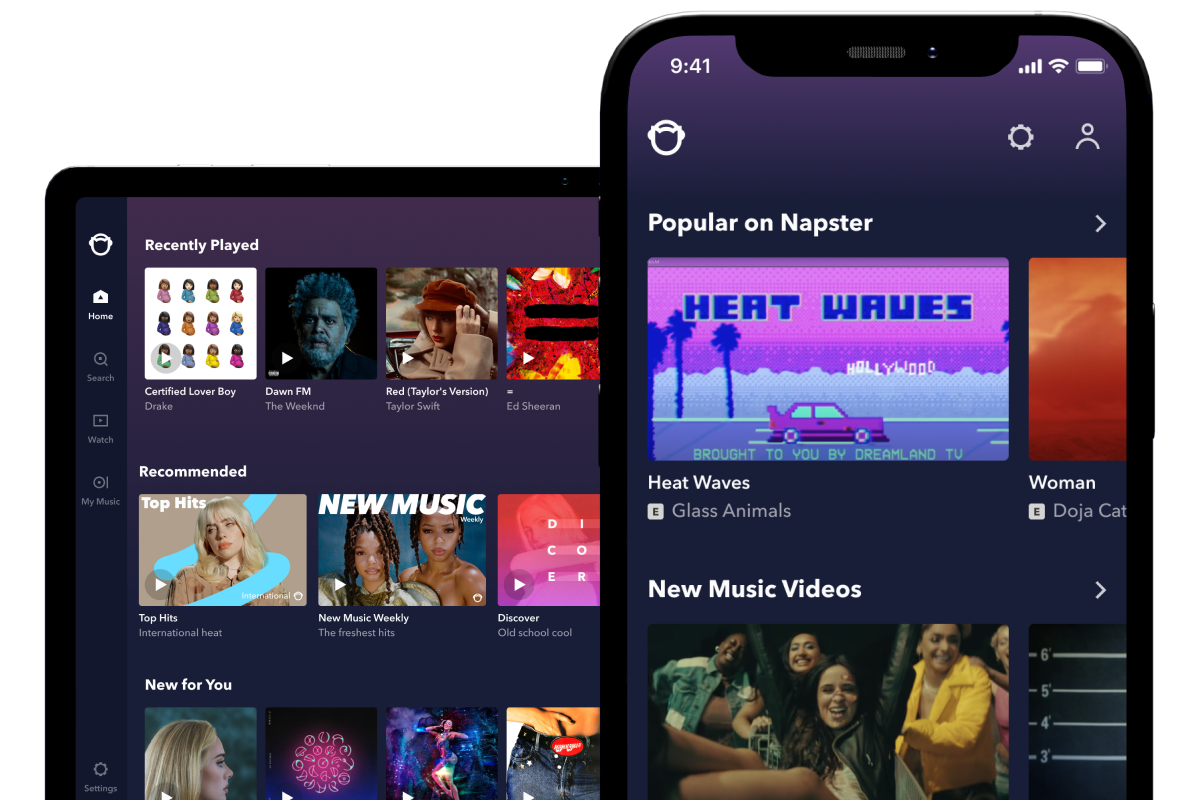
Napster lets you play as much music as you want instantly and anywhere. Browse our huge music library of over 18 million tracks covering every possible genre. Our team of music obsessionals make it easy to find your way around so much music, with loads of great features such as expertly programmed radio stations, playlists and recommendations.
Your Napster music follows you wherever you are – listen on your computer, your mobile and your home audio system. You can play offline without service or internet connection, perfect for planes, trains and life on the go.
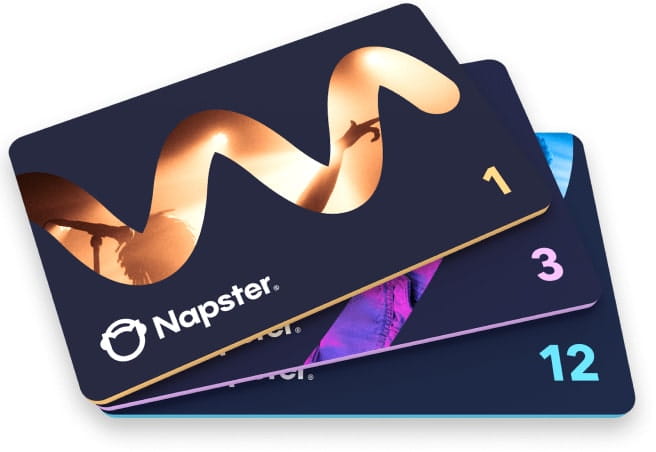
Choose from Napster Unlimited or Napster Unlimited plus Mobile. You get a free 7-day trial with either plan to help you decide.
Napster Unlimited offers unlimited ad-free streaming from our catalogue of over 18 million tracks. Plus you get full access to all Napster’s music features such as radio stations and playlists, programmed by our team of music experts.
You can listen to Napster Unlimited from any computer with an internet connection. All for just £5 per month.
The Napster app gives you the full Napster experience on your mobile device, even with no internet connection.
Learn more about the Napster app
It’s easy - you can download like any other app from the Apple App Store or Android Marketplace on your computer or mobile. Just search for Napster and follow the instructions to download the app. Sign in with your details and you’re ready to play unlimited music, wherever you are.
Offline mode lets you save music on your phone and computer so you can play when you don’t have internet connection. You can save as many tracks and albums as you have storage for. With offline mode you can play your Napster music wherever you are in the world. Note this feature is only available to Napster Unlimited plus Mobile users.
There’s nothing better than sharing a favourite playlist or amazing new artist with friends. Napster makes it easy to share your music and check out what others are enjoying.
Hook up your account with Facebook, follow what your friends are listening to and share your picks with them. You can also connect with fellow Napster users and share the love with them.
You can play Napster on any web browser from your Mac or PC. The Napster Software can be installed on a Mac (OS 10.7 or higher) or any PC with Windows 7, XP or Vista.
You can find the full system requirements for Napster here
Tracks streamed on your computer play at 128 Kbps. Tracks downloaded using the software play at 192 Kbps. Occasionally these tracks are not available in high quality and will play at 64 kbps.
All tracks streamed and downloaded on your mobile app will play at 192 kpbs, though you can set them to play at 64 kpbs to reduce your data usage. Again some tracks for download are not available in high quality and will play at 64 kpbs.
You will need a credit or debit card, to use Napster Unlimited and Unlimited plus Mobile.
If you cancel your Napster trial or membership, you can still access Napster and play 30 second clips of any track. Your library and playlists will still be there for you and you’ll be able to play them in full-length if you decide to join Napster again at a later date.
If there is something that has prevented you from enjoying your Napster experience, we'd love to help. Check our support page for answers to any questions you may have. You can find our customer support contact details there as well. Please contact us and we will cancel your account immediately.
Your library and playlists will still be there for you if you decide to rejoin Napster.
To cancel a free trialIf you want to cancel your free trial then go to My Account > Account Summary and click on "Cancel Trial".
Check our support page for answers to most questions you may have. You can find our customer support contact details there as well if you need to speak directly with us.